
Start 1 on 1 cam chat – allow cam & mic access, then get matched.
18+ only. Keep it respectful and have fun.
Start 1 on 1 Cam Chat With a Clean First Minute
The flow is simple: allow camera and microphone when you are ready, start matching, and move on if the vibe is not right. No public room noise, no complicated setup, no weird pressure.
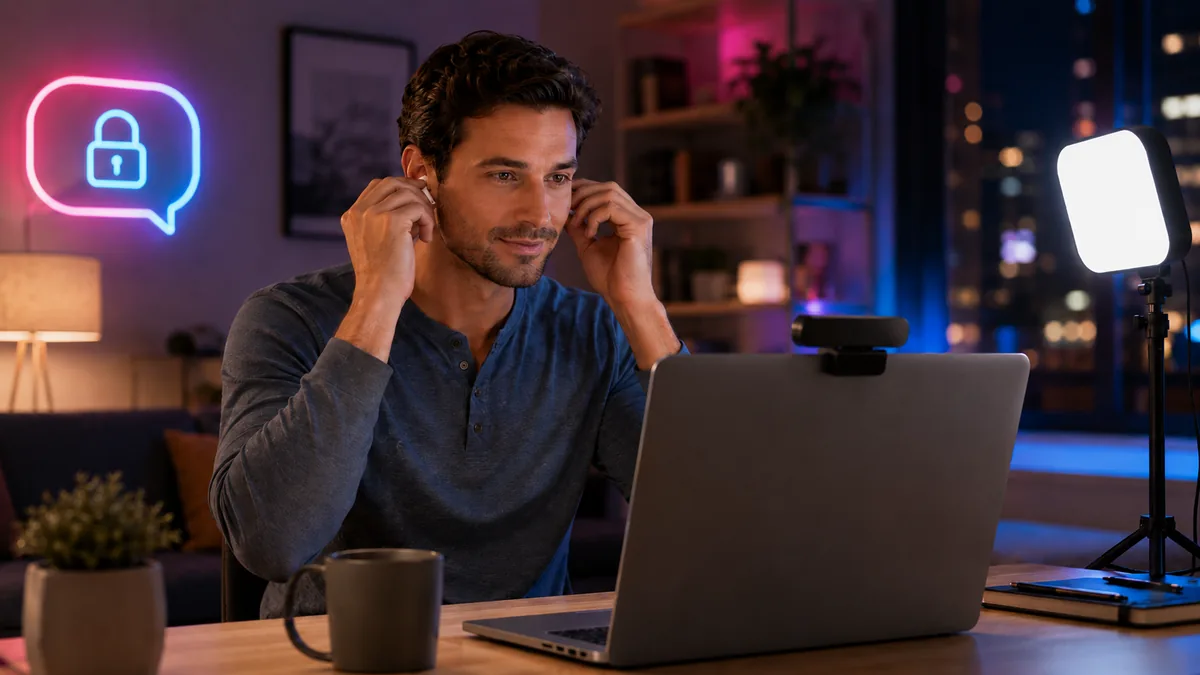
A good first minute is not about looking perfect. It is about removing small problems before they make the chat feel awkward: dark lighting, messy audio, a low camera angle, or a browser permission popup you did not expect.
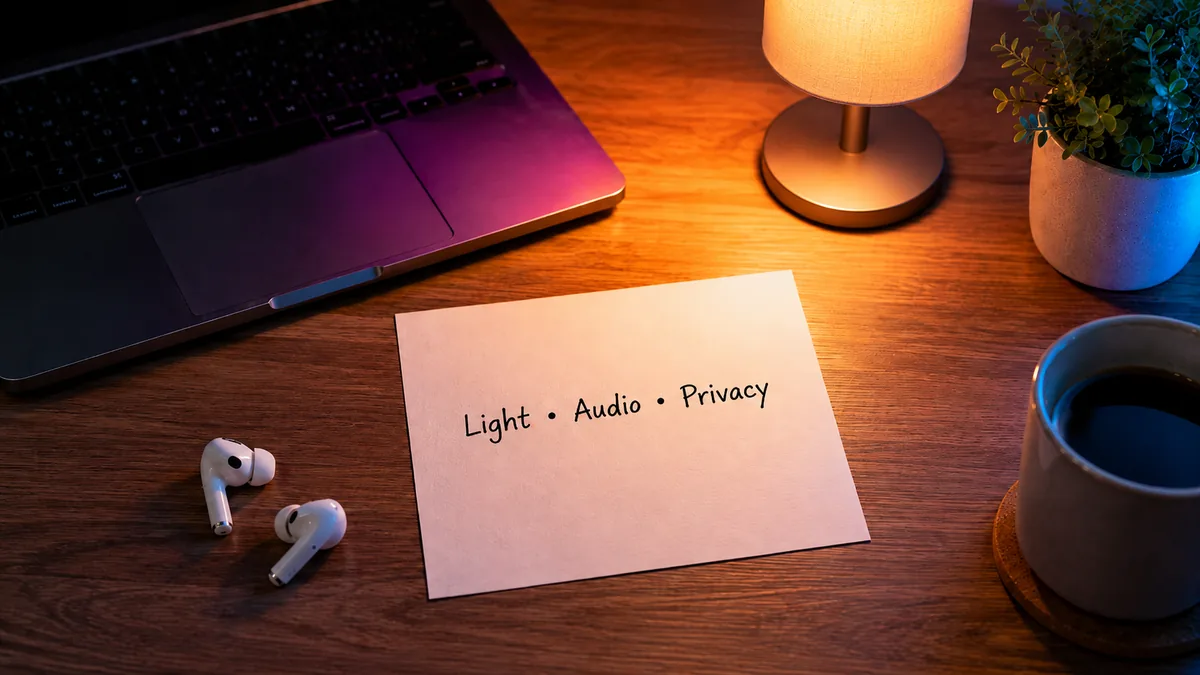
Before you start, do a quick scan:
- Face a soft light source instead of sitting with a bright window behind you.
- Use earbuds if your room has echo or background noise.
- Keep your camera close to eye level.
- Close tabs with private info, notifications, or anything distracting.
- Allow camera and microphone only when you are ready to begin.
This is the boring part that makes the fun part smoother. Tiny setup, better first impression.
Who This Page Is Best For
This page is best for adults who want a private 1 on 1 cam chat without opening several random tabs first. It is useful if you want to check your camera, understand the flow, and keep a simple fallback link ready if the embedded chat does not load.
It is not meant for public group rooms, complicated profile building, or long setup. The goal is a clean first step: camera, comfort, privacy, then one private match at a time.
Why Private 1 on 1 Cam Chat Feels More Direct
A private 1 on 1 cam chat works best when it feels focused. You are not trying to get attention in a crowded public room. You are talking to one person at a time, which makes the whole thing easier to read: their mood, your comfort level, the connection quality, and whether the conversation is worth keeping.
That is the main difference from random public chat rooms. Public spaces can feel noisy. A private 1v1 chat is more direct. You say hello, see if the energy is decent, and either keep talking or move on.
Use the First 30 Seconds as a Vibe Check
Do not overthink the opener. Most guys make this harder than it needs to be. A simple line usually works better than a clever line that sounds rehearsed. If you freeze after the match starts, keep a few simple 1-on-1 conversation starters ready instead of trying to invent a perfect opener on the spot.
- “Hey, how’s your night going?”
- “Hi, nice to meet you. Where are you chatting from today?”
- “Hey, I’m just relaxing for a bit. What are you up to?”
One normal greeting. One easy question. Then let the conversation breathe.
Use the Widget First, Open Full Chat If Needed
The widget gives you a quick way to begin without leaving the page right away. That is useful if you want to test your camera, get familiar with the flow, or simply start faster.
Still, browsers are browsers. Sometimes a permission setting, mobile layout, ad blocker, privacy extension, or slow connection can make embedded tools weird. If that happens, do not fight the page for five minutes. Use the full chat button and continue there. If your camera or microphone does not start correctly, use this camera and microphone troubleshooting guide before blaming the chat itself.
Good flow looks like this:
- Open the widget.
- Allow camera and microphone when your browser asks.
- Check your lighting and audio.
- Start the private match.
- If the widget stalls, open full chat instead.
Privacy Basics Before You Start
Private does not mean careless. Keep the chat light, respectful, and controlled. You do not need to share your real name, address, workplace, social profiles, phone number, or anything that ties the chat back to your daily life.
My default rule is simple: if you would not put it on a public profile, do not say it in the first few minutes of a random chat. You can be friendly without giving away personal details.
- Use a nickname instead of your full name.
- Keep personal documents, mail, and location clues out of frame.
- Leave the chat if someone pressures you or makes the vibe uncomfortable.
- Use block or report tools when needed.
- Keep the conversation respectful on both sides.
For browser-level camera and microphone settings, Google has a simple help page on how to manage camera and mic permissions in Chrome: manage camera and microphone permissions.
No Sign Up 1 on 1 Chat: What to Expect
A no sign up 1 on 1 chat should feel low-friction. You open the page, check your browser permissions, and start. You should not need to download a random app just to see whether the experience feels right.
That said, optional features may vary depending on the chat provider. Some users can start with a simple browser flow, while extra features, filters, or longer sessions may require more steps later. The clean move is to try the basic flow first, then decide if you want to continue.
When to Switch Instead of Forcing the Chat
If the connection is laggy, the audio is messy, or the energy is off, switch. That is not rude. That is the whole point of a quick private matching flow: you are looking for a conversation that feels easy enough to continue.
Use this tiny rule: if the first 30 seconds feel confusing, uncomfortable, or technically broken, reset and move on. You can also improve your odds before matching by building a simple profile angle around interests that actually start conversations, not generic one-word answers.
Quick FAQ Before You Begin
Is this a private 1v1 chat?
Yes, the goal is a private one-to-one chat experience. You are not joining a public room or trying to talk over a crowd.
Do I need to turn on my camera immediately?
Your browser may ask for camera and microphone permission when you start. Allow access only when you are ready. If something feels off, close the prompt or leave the page.
Can I use it on mobile?
Yes, the page is intended for mobile and desktop. If the embedded widget does not behave well on your phone, use the full chat button instead.
What if the widget does not load?
Try refreshing once. If it still does not load, open the full chat. Browser extensions, privacy settings, or slow connections can sometimes block embedded chat tools.
How do I keep the chat comfortable?
Start with a normal greeting, keep personal info private, stay respectful, and switch if the vibe is not right. Simple is better.
Start Fast, Stay in Control
The easiest way to start 1 on 1 cam chat is to keep the setup clean: good light, working audio, private frame, and one simple opener. Use the widget when it loads smoothly. Use the full chat button when it does not.
Either way, keep it casual. Say hi, read the vibe, and move on if the match is not for you.